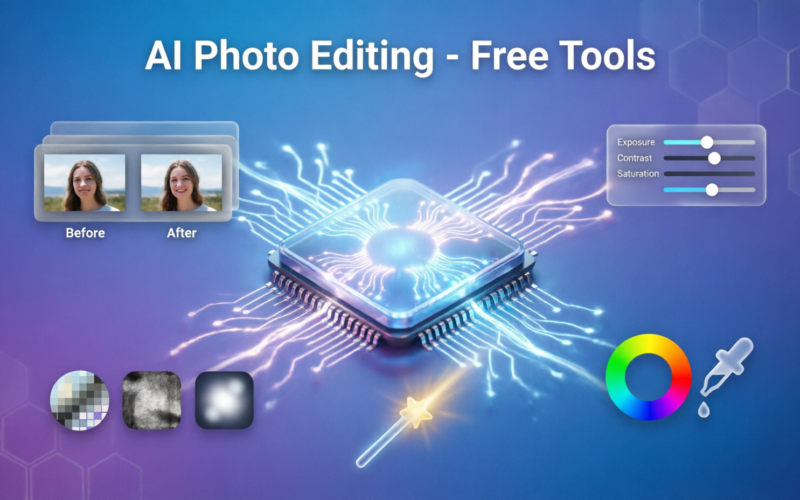
A few years ago, editing photos professionally required expensive software like Adobe Photoshop and years of practice. Today, ai has completely changed the game. You can now edit photos to a professional level using free ai tools, even if you have never edited a photo before in your life. In this article you will learn the best free ai tools for photo editing and how to use them.
Background Removal and Product Photo Enhancement
One of the most common needs when editing photos is removing the background. A tool called Remove.bg does it in about three seconds for free. You upload your photo, the ai detects the subject and removes the background, and you download the result. It is incredibly accurate even with complex subjects like hair or fur. Photoroom is especially useful for product photos. It removes backgrounds, adds clean white or colored backgrounds, and even lets you add drop shadows and reflections to make products look professionally photographed.
Free AI Editing Tools Anyone Can Use
Adobe Express is a free tool that includes powerful ai editing features. You can remove backgrounds, add text, resize images for different platforms, and enhance photo quality. It works in your browser without any downloads. Canva is primarily known as a design tool but its ai photo editing features are very strong. You can use the background remover, the magic eraser to remove unwanted objects, and the text to image generator. Canva also has a tool that lets you expand photos beyond their original borders.
Enhancing Quality and Retouching Portraits
If you want to enhance the overall quality of your photos, Luminar Neo offers ai powered enhancements that improve lighting, skin tones, and overall photo quality. Snapseed is a free app from Google with ai powered tools for selective editing, portrait enhancement, and healing. Snapseed is available on Android and iOS and is one of the best free photo editing apps on mobile. For portrait retouching, tools like Retouchme and FaceApp can smooth skin, brighten eyes, and improve lighting in ways that look natural rather than heavily edited.
Colorizing Old Photos and Upscaling Blurry Images
Colorizing black and white photos used to require a professional artist. Now ai can do it automatically. Tools like Colorize or DeepAI Photo Colorizer take a black and white photo and add realistic colors to it. This is a great way to bring old family photos to life. If you have blurry or low resolution photos, ai upscaling tools like Let’s Enhance and Topaz Photo AI can increase the resolution of images and sharpen them without making them look pixelated. This is useful if you have an old photo you want to use for something important.
AI Image Generation for Unique Visuals
Image generation is slightly different from editing but deserves a mention. Tools like Adobe Firefly, which has a free version, let you generate entirely new images from text descriptions. You can also use it for generative fill, which means you can extend a photo or fill in a missing part of an image with ai generated content. This is one of the most impressive ai photo features available. The main thing to remember with all free tools is that they have limitations, but for the vast majority of everyday photo editing needs, free ai tools are more than capable.
hello world
hello world