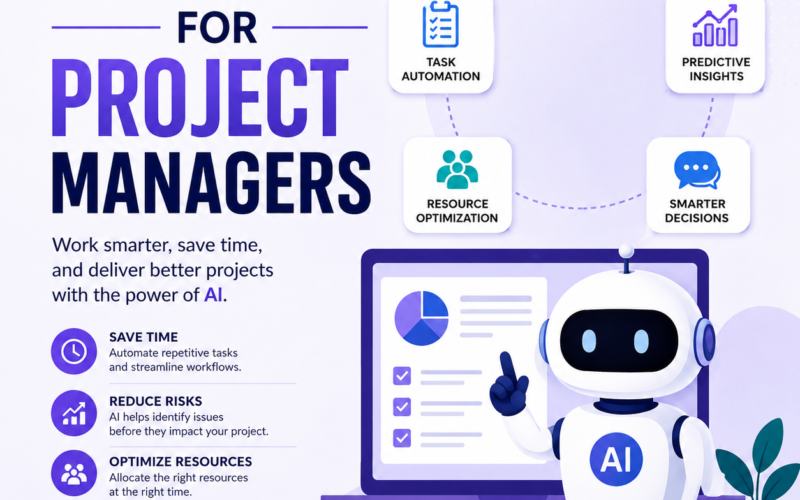
Project management is one of those jobs where there is always more to do than time allows. You have deadlines to track, team members to coordinate, stakeholders to update, risks to manage, and budgets to watch. Ai tools cannot do your job for you, but they can make it significantly more manageable. Here are the best ai tools for project managers and how to use them.
Project Management Platforms With Built-In AI
Notion has added powerful ai features that let you summarize long documents, generate meeting notes, write project briefs, and organize information quickly. Instead of spending an hour writing a project update, describe the key points and let the ai draft it for you. Asana recently added Smart Projects and Smart Goals features that help you automatically assign tasks, identify risks in your project plan, and suggest adjustments when timelines change. Monday.com can help you build project templates automatically, analyze workloads, and flag tasks that are falling behind schedule.
Using AI to Transform Your Meetings
For meetings, ai tools are a huge help. Tools like Otter.ai, Fireflies.ai, and Zoom Recall all record and transcribe meetings automatically. They create searchable transcripts and action item summaries. After a meeting, the ai pulls out the key decisions and assigns action items to the right people. This eliminates the need for manual meeting notes entirely. If you spend a lot of time in meetings, this single change can save you hours every week and ensure nothing important gets missed.
Risk Management and Resource Allocation
Identifying potential risks early can save a project from failure. You can paste your project timeline and task list into ChatGPT and ask it to identify risks and suggest mitigation strategies. This kind of input from ai can surface things you might have missed on your own. For resource allocation, tools like Resource Guru and Float have ai features that help you visualize team workloads and make better decisions about who to assign to what. They can also predict capacity issues before they happen and suggest solutions.
Budget Tracking and Status Reporting
You can give ChatGPT raw data from your budget tracking spreadsheet and ask it to write a clear professional budget status report. What might take you an hour to write manually can be done in a few minutes with ai assistance. For project managers who deal with large amounts of data, Microsoft Copilot in Excel or Google Sheets with Gemini can analyze data and create charts or summaries. Instead of manually building reports, the ai generates them based on your data in minutes.
Making Project Communication Effortless
Keeping clients and stakeholders informed is important, but writing updates and reports takes time. Use ai to draft weekly status updates, project kickoff documents, and change request summaries. The more you use ai for communication tasks, the more time you free up for the thinking and problem solving that requires your human judgment. Project management is a people job, and no ai can replace the relationships and leadership that make teams work well. But the administrative parts of the job can be made much more efficient.
Leave a Reply