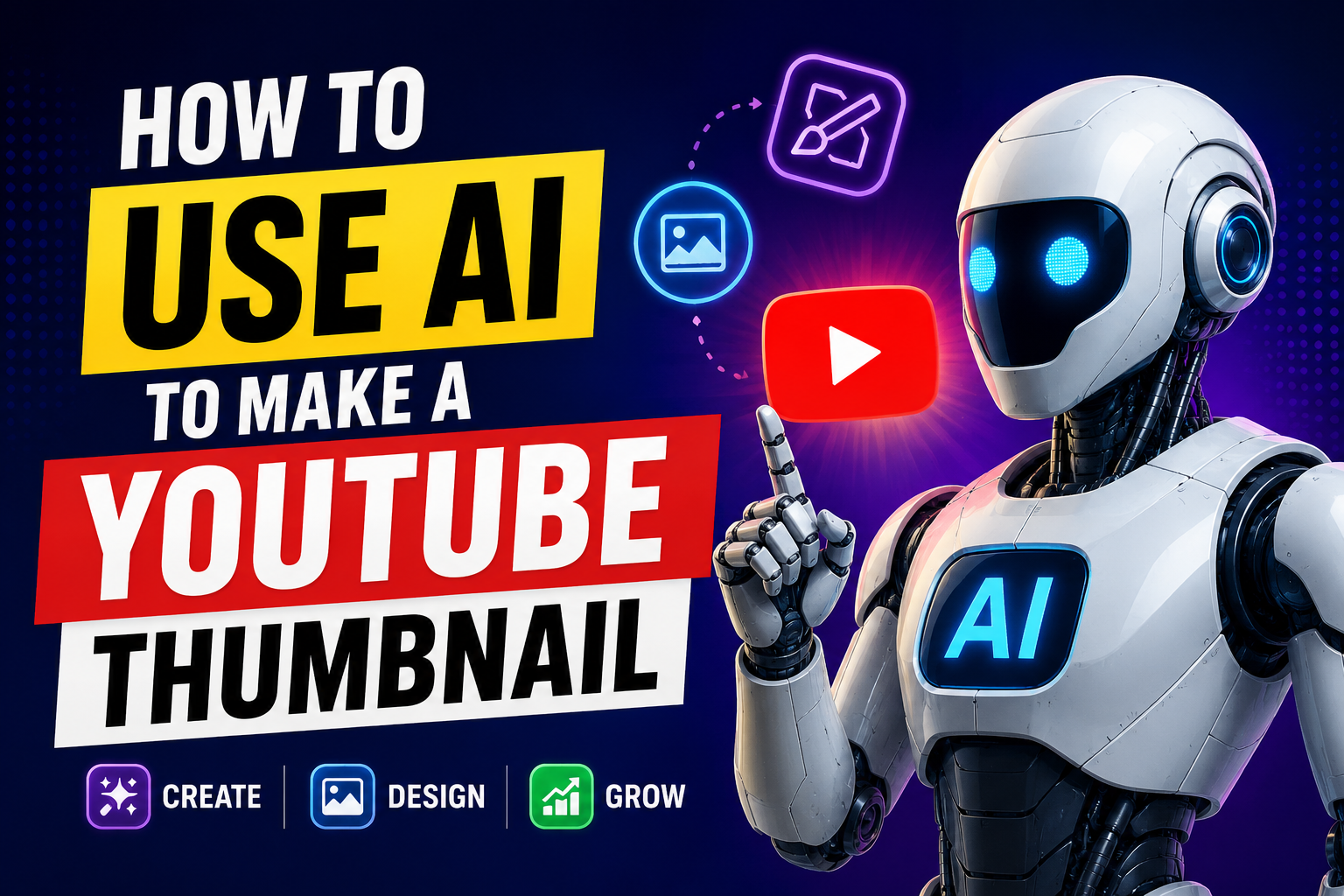
An eye catching thumbnail is one of the biggest factors in whether people click on your YouTube. In fact studies found that creating an effective thumbnail can boost click through rates by 50 percent and more. The problem is that most creators don’t put much thought into their thumbnails.
Fortunately ai tools have made creating compelling and attractive YouTube thumbnails easy even if you don’t know anything about design.
Here’s what to do.
What Makes a Great YouTube Thumbnail
An effective YT thumbnail should be simple to interpret in a small image. It should feature a powerful central image…a face with an expressive emotion or expression in a clear shot or a direct shot of the product itself. It should include bold short text explaining the main benefit or subject of your video…use powerful descriptive words that excite people.
Use a colors that are contrasting easily identifiable.
The image should match the general appearance of your channel branding so returning viewers immediately recognize your videos. All of these combine to compel someone viewing 20 other video thumbnails to click on yours instead.
Using Canva to Create Professional Thumbnails
Canva is the biggest tool you can use to create YouTube thumbnails with ai tools. Canva is free to use and has hundreds of YouTube thumbnail templates. Just search for YouTube thumbnail when you log in to find dozens of professional templates.
Canva’s ai text generation can also help you generate a headline for your thumbnail.
Their ai background remover allows you to cut yourself out of a photo and put yourself on a new custom background. You can create a great thumbnail in ten to fifteen minutes most of the time with Canva.
Creating Custom Backgrounds With AI Image Generators
AI image generators are great for making a custom background image for each of your thumbnails. For custom high quality background images, you can use popular ai image tools like Midjourney, DALL-E, or Adobe Firefly for free by giving a description of what kind of background you want. If your niche is cooking, you can generate a stunning kitchen background scene or beautiful food as your thumbnail background.
This will give your thumbnails a distinctive design that the many channels using the same stock photos as everyone else dont have.
Adobe Express is also another free tool where you can use some ai features.
How to Use AI to Make a YouTube Thumbnail
Getting the Right Photo of Yourself
The importance of having a great thumbnail photo of yourself if you will be appearing in your videos. You don’t need high-end camera gear. Just take a few smartphone photos of yourself in good natural lighting with expressive facial expressions, such as shock, enthusiasm or inquisitiveness.
Highly expressive face images like this work well with YouTube thumbnails.
Then use an ai background eraser like Remove.bg or Canva to extract yourself and drop yourself onto your ai generated background. Or you can ask ChatGPT for catchy brief thumbnail text concepts that make someone want to click.
Testing and Improving Your Thumbnails Over Time
After making your thumbnail, try it out before putting it out there. In YouTube Studio you can get a sneak peek as to how it will look along side other videos in the search results.
Does your thumbnail pop?
Can you read the text?
Does the photo make you want to click?
If anything looks out of place tweak it. The more you know how to do a great thumbnail the better you will get, practice makes perfect. Use the ai tools to help you make designing your thumbnail faster, but take a close look at the thumbnails large niches use, see what they get right and mimic that in your own work.
Thanks for sharing! I recommend Pixwit AI for AI-powered image tools and Free Video Generator for free video generation.
https://aitoolsguide.live/
Thanks for sharing this useful information. Well-researched article.
Speaking of photos, have you tried this Free Online Photo Editor online?
Very informative!
By the way, if anyone needs a Free Online Photo Editor, highly recommend it.
Thanks for sharing!
By the way, if anyone needs a Free Online Photo Editor, highly recommend it.
nice