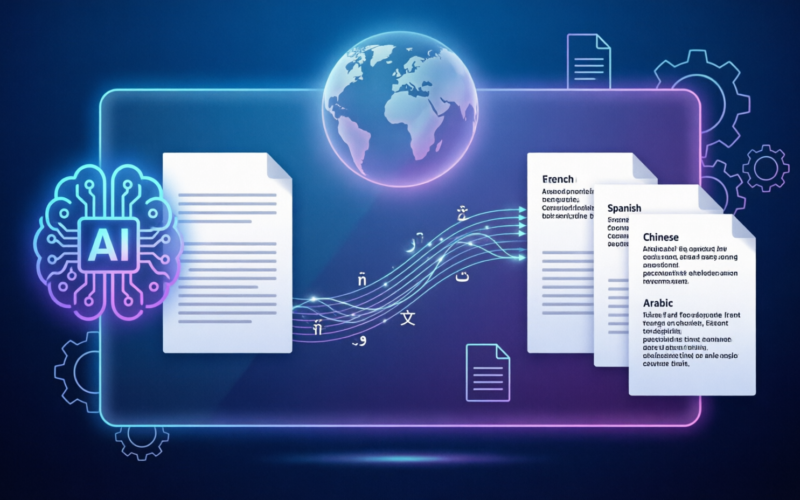
We live in a world where are more connected then we have ever been previously. With the concept of one world, one language not existing any more, it is vital to have a way to translate documents. Whether you are a company going into a new country, a traveler in a foreign country, or a student reading in a foreign language, we all need a translation at some point.
Ai has made this process simpler, faster and to many, easier.
Here’s how you go about translating a document using ai.
The Best Free AI Translation Tools
The most popular ai translation tool available right now is Google Translate. It is totally free, available in over 100 languages, and translates text, pictures, documents and live conversation instantly. It has the feature to upload a document directly to google translate on the web from the computer which than produces the translated document. DeepL is another very effective translation tool that a lot of people use in favor of google translate because it produces more natural result than google translate, DeepL handles European languages best and can translate documents while keeping the same formatting as the original file.
Using ChatGPT for Context-Sensitive Translation
ChatGPT is very good at translations when your text requires – for examples, conveyance of formal tone, use of technical or culturally sensitive terminology. Enter the context, the kind of document, if it’s formal or informal or target audience. It helps conveying the right sense in the translation. Compared to translation engines, it has an advantage of conveying nuances for formal or technical text.
Translating Websites and Real-Time Conversations
Almost all newer website-builder systems offer ai translation plug-ins that will automatically generate a translated version of your site. WordPress, Shopify and Squarespace all have translation plug-ins available. Applications such as Weglot and WPML will automatically translate your entire site and update when you add new pages or information. Google translate and Microsoft translate both have conversation modes where you speak in one language, the app speaks back in another language, then the conversation continues.
Document Confidentiality and Quality Control
As with any ai translation tool, you should consider the document’s level of confidentiality, particularly if you are translating business or legal documents. When uploading a document for translation to a third party service, the document is processed by their servers. For documents you want to keep confidential, investigate the privacy policy of the translation tool.
For legal, medical, or technical documents where precision is important always have the ai translation checked by human translator or native speaker.
Ai translation has greatly improved but it can still produce errors with complex terminology and idiomatic phrases.
Proofreading Translated Documents
The final step is to proofread the translated docs. While the translation quality will typically be very high, there may be some unnatural phrasing, word choices or formatting choices that can be improved. If you copy and paste a translated document into ChatGPT, you can ask it to find areas that sound clunky or unnatural.
This final step in quality control can go a long way in ensuring professionalism.
Ai translation has made the act of translating documents vastly cheaper and easier. What took hundreds of dollars and days a few years ago, can be done in minutes for free.
Leave a Reply